

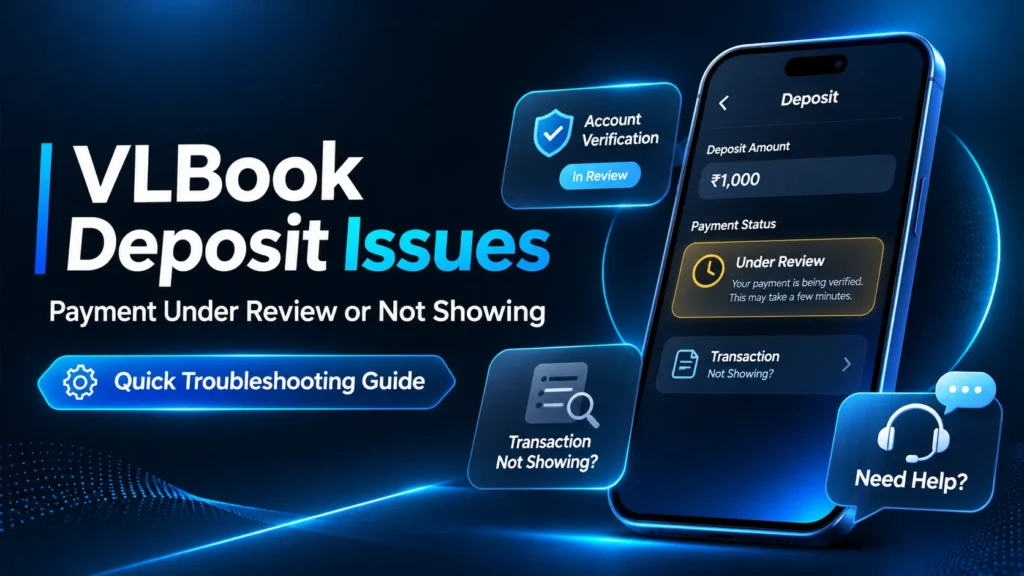
Your payment has gone through, but VLBook hasn’t reflected the amount. You check the wallet again, and nothing has changed.
Before blaming the payment gateway, look at the account details linked to the transfer.
Can Account Details Affect a VLBook Deposit?
They can. Payment requirements may include checking whether the account holder and payment information match.
For example, if you use another person’s bank account, the transaction may require additional review where account ownership verification applies.
Other things to check include:
- Account verification: Your profile may have an outstanding verification requirement.
- Payment details mismatch: The information submitted doesn’t match the transaction record.
- Deposit method restrictions: Limits or payment options may differ between accounts.
- Unconfirmed transaction: The payment provider hasn’t supplied a final status.
VLBook Payment Successful but Not Credited?
Look for a transaction record in your VLBook account.
If the bank shows success, save the receipt and reference number. Check the deposit amount and whether the payment was made using the permitted method.
If the transfer came from someone else’s account, don’t hide that information when reporting the issue. Explain it accurately so the transaction can be reviewed.
For a payment that remains uncredited, contact verified VLBook support with your username, amount, transaction date and reference.
Can a Deposit Be Held for Verification?
Additional checks may apply depending on the account and payment method. They don’t automatically mean that a payment has failed.
Ask support what information is required and avoid sending personal documents to unverified contacts.